
View wallet usage and analytics
Monitor wallet usage, message volume, and conversation activity.
View wallet usage and analytics
Use Wallet analytics to understand message volume and conversation activity for the selected period.
View usage details
- Open Wallet in the Partner Portal.
- In the Usage section, select View More.
- Select the reporting period you want to review.
- Review the message timeline, conversation breakdown, and message-level table.
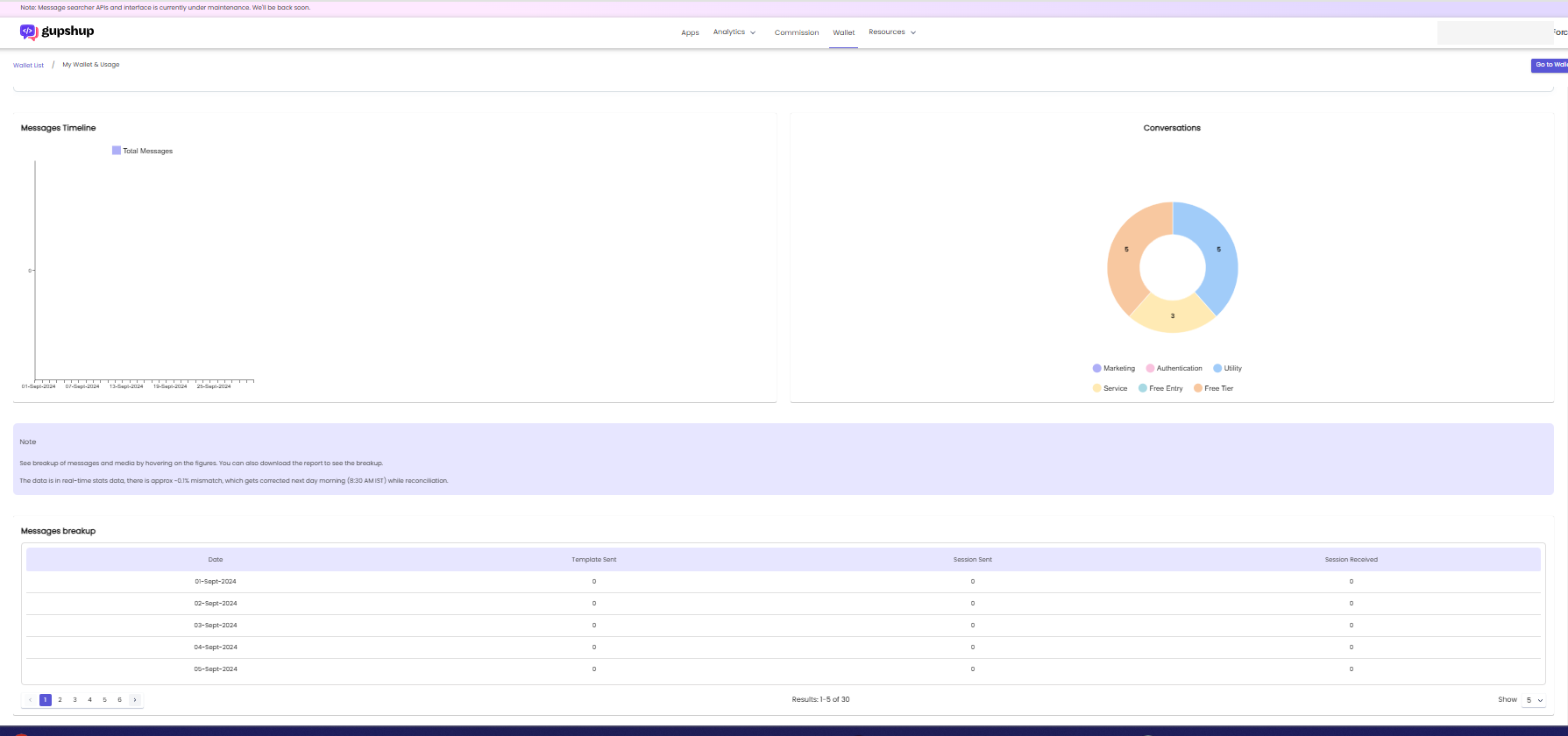
Understand the summary on the Wallet page
The Wallet page displays the current reporting-period totals for:
- Messages break up
- Templates break up
The portal shows usage reports in the wallet's selected time zone. The data is near real time.
Related guides
Updated about 1 month ago
Did this page help you?