
Get wallet financial records
Download recharge invoices and request a wallet statement.
Get wallet financial records
Use the Wallet page to download invoices for successful recharges or request a wallet statement by email.
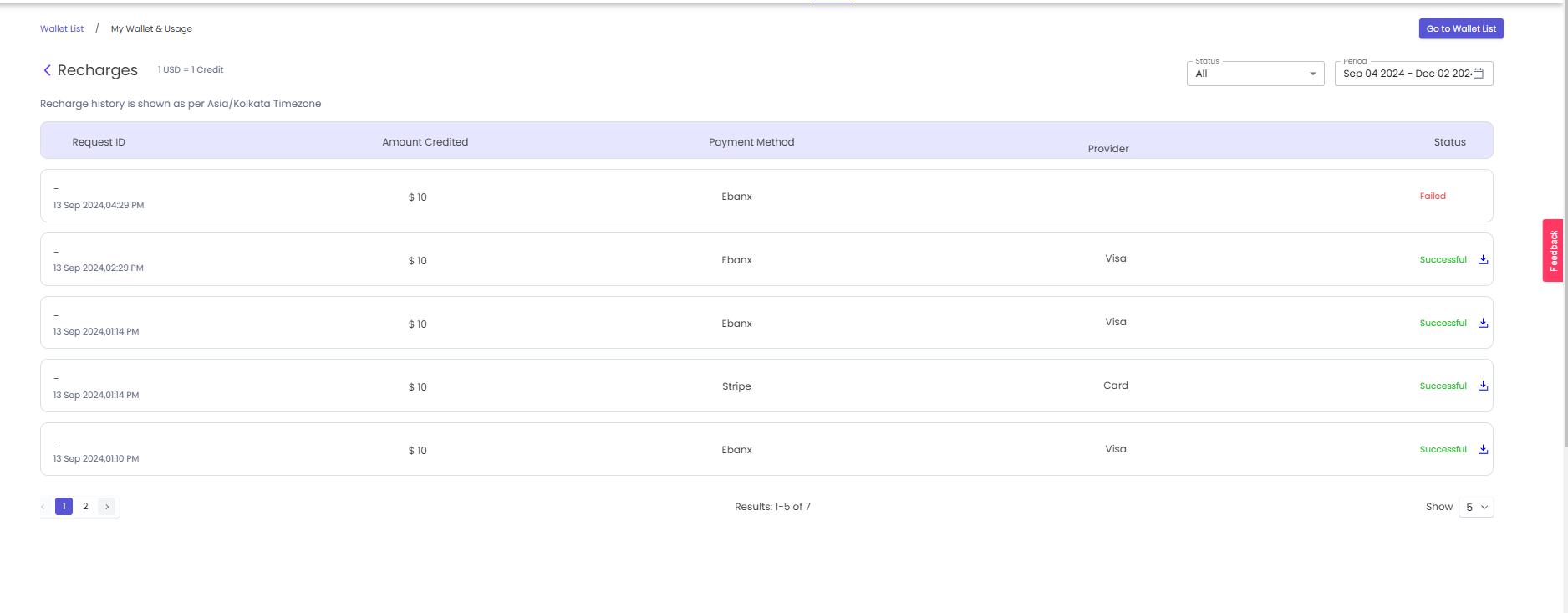
Download a recharge invoice
- Open Wallet in the Partner Portal.
- In Billing History, select Go to Recharge History.
- Use the status and date filters to find the successful recharge.
- Select the download icon at the end of that recharge row to download its invoice.
Request a wallet statement
- Open Wallet in the Partner Portal.
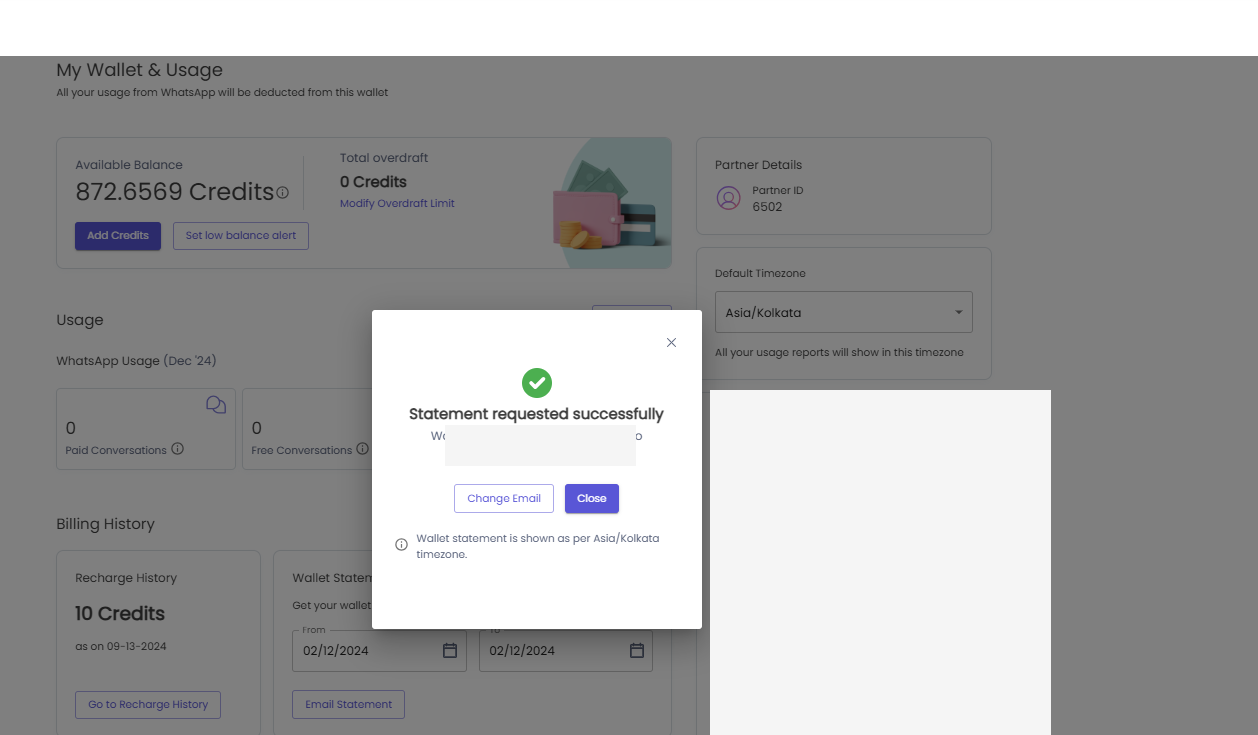
- In Billing History, enter the required From and To dates under Wallet Statement.
- Select Email Statement.
- Confirm the billing email address and submit the request.
- Upto 2 additional emails can be added for requesting wallet statement
The statement is emailed to the billing email address associated with the wallet. The report uses the wallet's selected time zone.
Update the billing email address
On the Wallet page, select the edit icon in Billing Details to update the billing email address before requesting a statement.
Related guides
Updated about 1 month ago
Did this page help you?