
View your partner profile
Review the company and partner information associated with your portal account.
View your partner profile
Use the Profile tab to confirm the organization and partner information associated with your account.
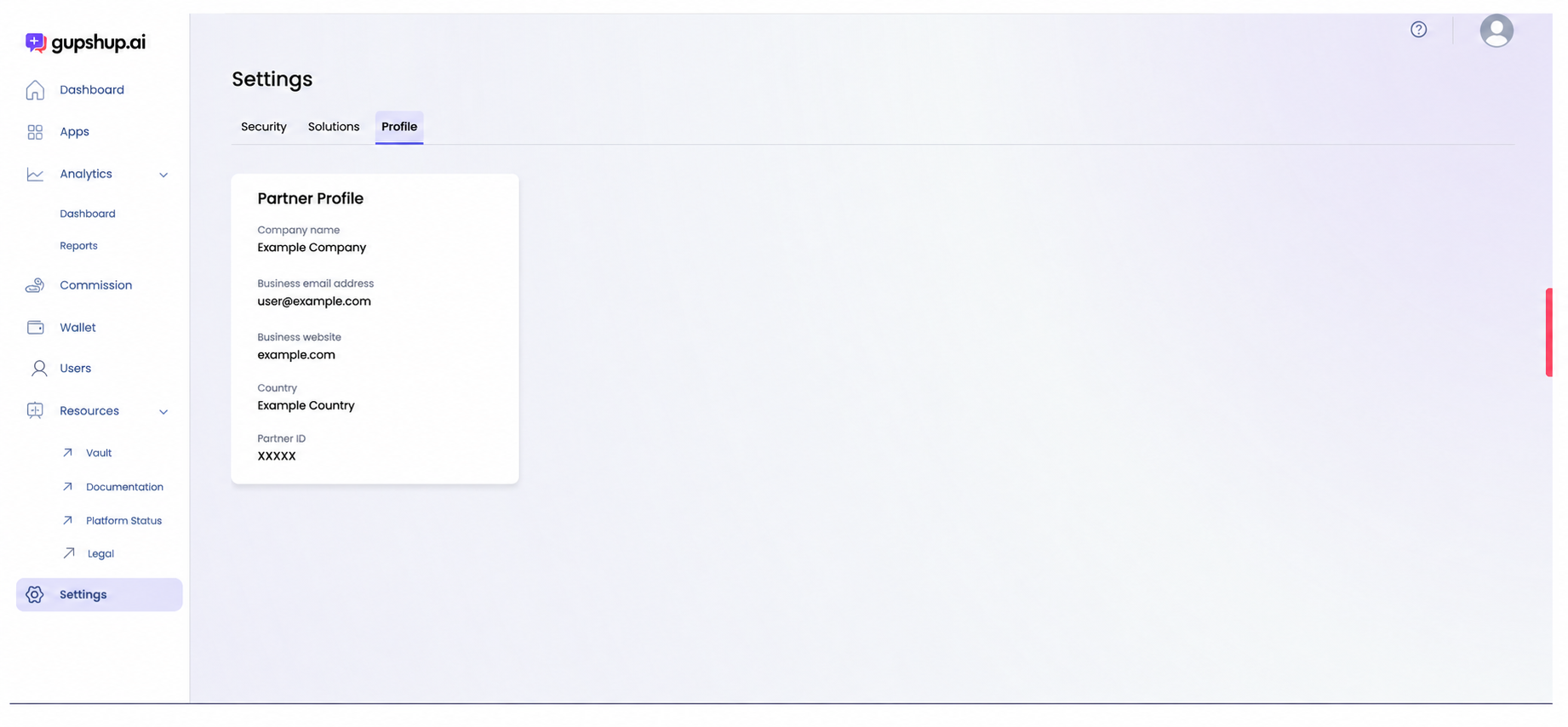
Open your profile
- Select Settings in the left navigation.
- Select the Profile tab.
Review profile information
The Partner Profile card shows:
- Company name.
- Business email address.
- Business website.
- Country.
- Partner ID.
Confirm that the information matches your organization. The Partner ID identifies your partner account and can also be copied from the Apps page.
Profile information and partner identifiers are account data. Redact them before sharing screenshots outside your organization.
Updated about 1 month ago
Did this page help you?